Microsoft 365 Copilot: a free introduction for NZ businesses
Course at a glance Free NZ workplace introduction: 88 minutes, four modules, 21 lessons and four quizzes. Core exercises do not require buying a Copilot add-on. Read the supplied material and record prompts on paper if account access is unavailable. Progress stays in the browser you use for study.
See Copilot training NZ, Copilot courses NZ and Copilot workshops NZ.
Learn which Copilot you have, write useful prompts, explore Microsoft 365 apps, and set safe habits for work.
Next up:
No login needed. Progress is saved in this browser only.

- Time
- 88 minat your own pace
- Modules
- 4each starts with a short video
- Lessons
- 21with practice tasks
- Quizzes
- 4pass mark 80%
Can I learn Microsoft Copilot online for free?
Yes. The online introduction needs no login. Work through its lessons and quizzes at your own pace. Progress is saved in this browser; use invented or public information for the exercises.
Course outline
Start here: Welcome to the course
-
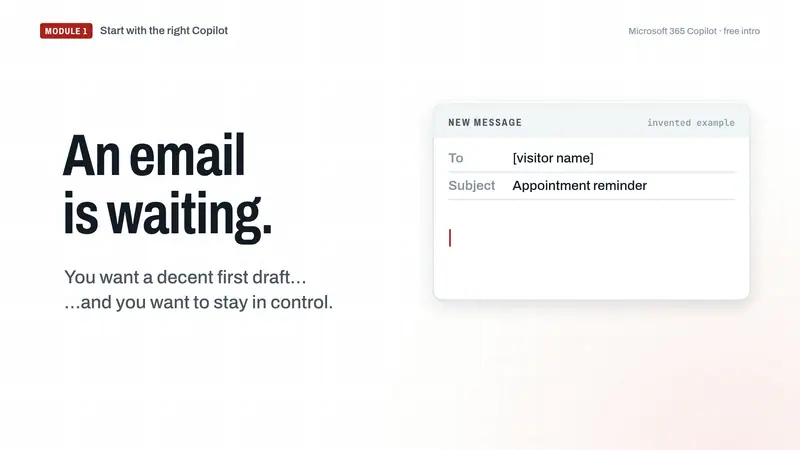
Module 118 minutes
Welcome and getting set up
Choose a suitable task, recognise your Copilot account and licence, and check privacy controls.
-
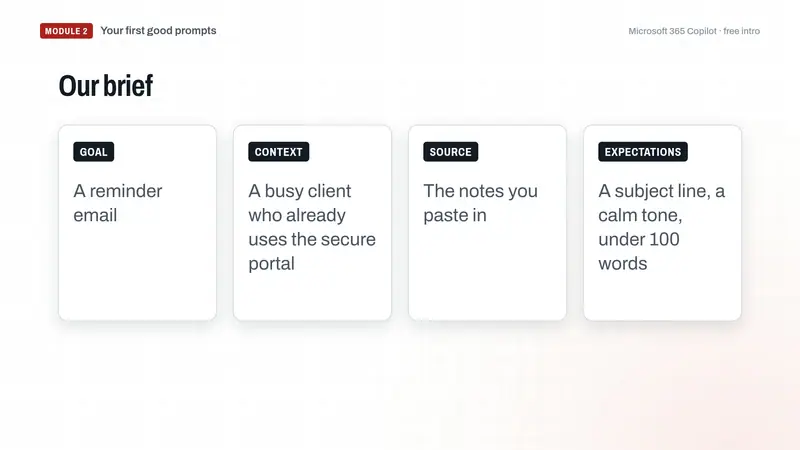
Module 223 minutes
Your first good prompts
Turn a vague request into a clear draft, then check and improve it.
-
Module 323 minutes
Copilot in your Microsoft 365 work
Understand work grounding and try a safe task in Word, Excel, Outlook or Teams.
-
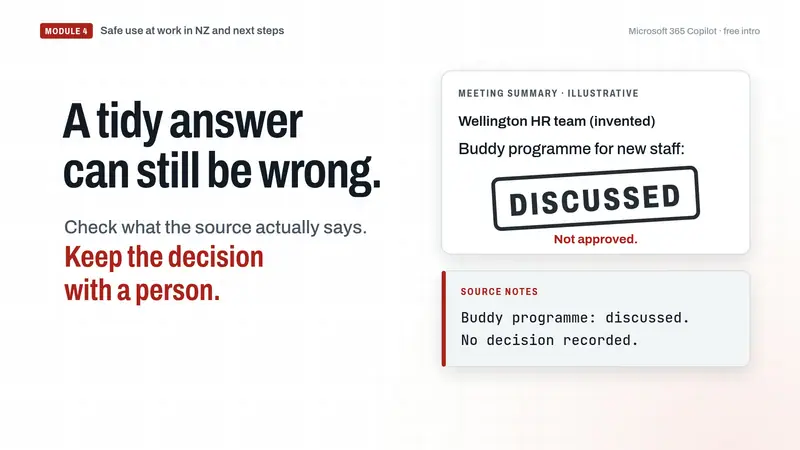
Module 424 minutes
Safe use at work in NZ and next steps
Protect information, verify answers, draft a team rule and make a seven-day practice plan.
Use invented or public information in the exercises. Your progress stays in this browser; clearing site data removes it.
Last updated .
A note from Adam
I've watched hundreds of people at our meetups go from "I'm not technical enough" to building something useful in an afternoon. Knowing where to start is most of it.
This course is that start. Every exercise uses made-up examples. Use your own material only if you choose and your organisation’s settings allow it. We're straight with you about where Microsoft Copilot helps and where it doesn't.
Pick one small task this week and try it.
Adam Holt, co-founder, thecolab.ai, and New Zealand's first Claude Ambassador
Train your team
- ScopeHeadcount, sites, Microsoft 365 plan and licences, and the teams you want to start with.
- PlanWe propose a course, a pilot group and a format, and agree the files and meetings to use.
- TrainOn-site or over Teams, in Outlook, Word, Excel and Teams, on made-up examples by default, and your own material only if you choose and your settings allow it.
- In person
- Remote
- Half-day workshop
- Full-day workshop
- Team rollout
Independent training by thecolab.ai. Not affiliated with Microsoft.
Enquire
Tell us about your team. We reply by email with a suggested course and format.
Want your team to practise this together? See team Copilot training in NZ or compare Microsoft 365 Copilot workshops in NZ, on-site or online. Practice uses made-up examples by default. Your own material comes in only if you choose and your settings allow it.